Add valid JSON
Paste an object or array, or choose a UTF-8 JSON file.
Visualize JSON objects, arrays and key-value pairs as an editable mind map without uploading the original file.
Supports valid UTF-8 JSON files up to 500KB.
Your original file stays in this browser during parsing.
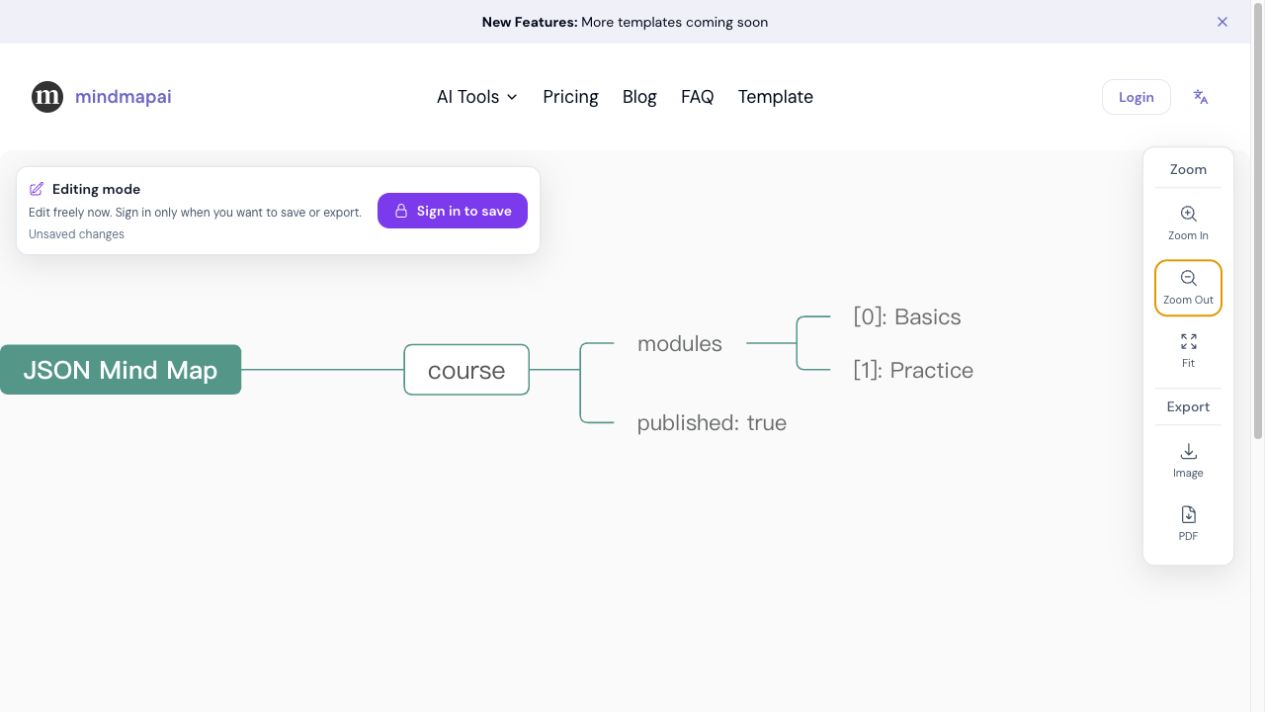
Object keys become branches and array indexes remain visible so the original hierarchy is easy to follow.
Input
{
  "course": {
    "modules": ["Basics", "Practice"],
    "published": true
  }
}
Mind map hierarchy
JSON Mind Map
└── course
    ├── modules
    │   ├── [0]: Basics
    │   └── [1]: Practice
└── published: trueJSON is readable for software, but a deeply nested API response or configuration file can be difficult to scan. This converter turns object keys into branches, shows primitive values beside their keys and preserves array positions as indexed child nodes.
The conversion is deterministic: it follows the actual JSON hierarchy rather than guessing relationships. After previewing the result, you can open it in the mind map editor to reorganize important branches, rename technical fields or export a visual reference for documentation and discussion.
Validate and visualize a JSON hierarchy in three steps.
Paste an object or array, or choose a UTF-8 JSON file.
Check how keys, values, objects and arrays are represented as branches.
Open the visual hierarchy in the editor and refine the parts you need.
Explore nested response objects and explain their shape to other team members.
Review sections and options in application or deployment configuration.
Turn fixtures and mock data into a visual reference for testing or teaching.
Inspect JSON exports from no-code tools and integration platforms.
The original JSON file is not uploaded. Parsing and preview happen locally. Only the converted mind map structure is sent through the existing map workflow when you choose to open it in the editor.
Yes. Root arrays are displayed with indexed branches such as [0], [1] and [2].
No. The input must follow standard JSON syntax, which does not include comments or trailing commas.
It preserves the structural parent-child relationships in the JSON. It does not infer additional semantic relationships.
Yes. The converted hierarchy opens in the existing editor and can be changed independently of the original file.