Add Markdown
Paste Markdown or choose a UTF-8 MD file from your device.
Turn Markdown headings, paragraphs and nested lists into an editable visual mind map directly in your browser.
Supports UTF-8 .md and .markdown files up to 500KB.
Your original file stays in this browser during parsing.
Headings become branches, while nested list items stay under the section where they appear.
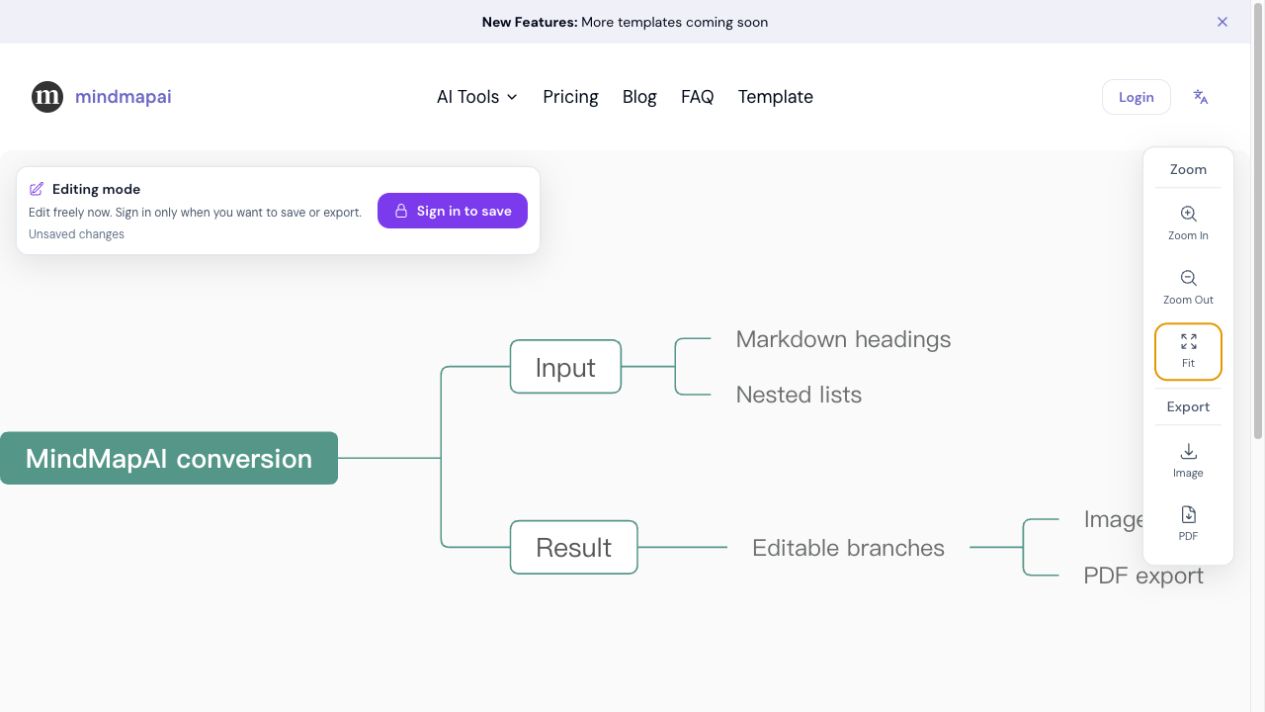
Input
# Study plan
## Biology
- Cells
  - Mitosis
## Chemistry
- Elements
Mind map hierarchy
Study plan
├── Biology
│   └── Cells
│       └── Mitosis
└── Chemistry
└── ElementsMarkdown already describes hierarchy through headings and indented lists. This converter uses that visible structure to build a mind map without asking you to recreate every branch manually. The first heading becomes the central topic, section headings become major branches, and list indentation is preserved as child nodes.
The result opens in the existing mind map editor, where you can rename topics, move branches, change the layout and export the finished map. It is useful for content that is already organized as an outline, including README files, study notes, technical documentation and article drafts.
The conversion happens locally and takes three short steps.
Paste Markdown or choose a UTF-8 MD file from your device.
Preview how headings, paragraphs and nested lists will become branches.
Create the map, adjust the structure and use the existing export tools.
See the structure of a README, product guide or technical specification before revising it.
Turn heading-based class notes into branches that are easier to review.
Visualize article sections, book chapters or video scripts written in Markdown.
Convert Markdown task outlines into a map for discussion and prioritization.
The selected Markdown file is read and parsed in your browser. The original file is not uploaded. When you open the result in the editor, only the converted mind map structure is saved through the existing map workflow.
No. The first version follows the headings and list indentation already present in your Markdown, which makes the result fast and predictable.
The first Markdown heading becomes the central topic. If there is no heading, the file name or a default title is used.
Yes. After conversion, the result opens in the existing editor and can be reorganized or exported.
Fenced code blocks are ignored in this version so that code symbols are not mistaken for headings or list items.